Your AI builds the model. Exaro checks it.
Exaro Model lets the AI you already use (Claude Code, Codex, Cursor or a local model) build 3D models in Blender: at its best, vehicles, machinery and mechanisms with working parts, rigged and animated, exported for Unreal, Unity, Godot or GLB. Our building guide, construction kits and live model checks keep the parts fitting and moving. Everything it does is listed below, and new tools are added as they’re ready.
- Guided modeling in Blender
- Live model checks and fixes
- Construction kits
- Reference guidance
- Humanoid rigging
- GLB / FBX export
Exaro Studio + Model: Exaro Model plus Exaro for Unreal, Godot, Drawing and Sound · Windows 10 or 11 · Blender 5.0 or newer
Works with your Claude Code or Codex subscription. Don't have one? Install Claude Code or Codex.
Built in our studio with Exaro Model.
Our own team built everything in this part of the page, with the same Exaro Model tools you get. Everything an Exaro Model licence includes is listed under “What’s in Exaro Model”.
What’s in Exaro Model →Complete interior. Working systems. Game-ready derivatives.
One asset, end to end: 150 seats with seatback screens, 26 overhead bins and masks at every row, two galleys, three lavatories, a full flight deck, and doors, gear, flaps, slats and spoilers that move. Built as a full-detail production master, then derived into a runtime package an engine can stream.
- Exterior, cabin and cockpit in one model
- Moving parts built as working mechanisms
- Game-ready derivative for Unreal and Unity
Not just objects. Places you can walk into.
A town strip of complete, walkable levels, built in our studio and sold on Exaro Assets: a 1950s diner whose kitchen appliances are rigged with their own clips, a gas station and food mart lit for night, and a twelve-lane bowling center with an arcade, a grill and restrooms. Every piece is its own mesh with its own materials, and doors open as you walk up.
- Cedar Creek Diner: 53 pieces, a working kitchen
- Cedar Creek Gas Station: forecourt and full store interior
- Cedar Creek Lanes: 80 pieces, twelve lanes
Hydraulics, tracks and a cab that works.
Not just a pretty shape. Cylinders, hoses, pins, tracks and cab controls are built as the parts they are, rigged to move the way the machine does, and finished with wear that has a cause: grime at the joints, scuffed plates, a polished cutting edge.
- Boom, stick and bucket on working hydraulics
- Tracks, undercarriage and operating cab
- Wear placed where the machine actually wears
Historical reference, reconstructed down to the turret.
From references, our studio reconstructed a WWII heavy bomber inside and out: the airframe, nose art and markings, the bombardier’s nose with its bombsight, the flight deck, the bomb bay, the radio room, the waist guns and the turrets. 6,600 parts and 127 materials, each section checked against its reference.
- Reference-driven reconstruction
- Nose, flight deck, bomb bay, radio room, waist and turrets
- Markings and materials matched to period
From millions of triangles to game-ready.
A high-poly model is half the job. For the airliner, our studio kept the full-detail master and derived what an engine can actually run. These are its measured numbers.
- 4.75M
- triangles in the airliner master
- 17,473
- objects, complete interior
- 117
- full-detail materials
- 657K-triangle game mesh with baked PBR textures
- LOD chain down to a 4K-triangle proxy
- Instancing: 7,396 unique meshes become 208
- 4,000 collision primitives
- 185-bone rig, 40 animation clips
- Unreal + Unity
Your AI directs it. Exaro does the production.
Exaro Model ships an MCP server, so the assistant you already use, frontier or local, can plan an asset, build it, inspect the renders it returns and fix what it sees. Blender is the environment Exaro operates; you do not need to know it.
- Your request
- Your AI, frontier or local
- Exaro Model in Blender
- GLB / FBX for Unreal, Unity or Godot
Claude, Codex, Cursor
One line of config connects any MCP client. Your assistant plans the asset, builds it, reads the renders and corrects its own work.
- Any stdio MCP client
- Your existing subscription, no Exaro AI tokens
- Every tool returns images the model can check
On your own GPU
Run a local model and it drives the same system. A compact single-call planning tool keeps the work within reach of smaller models.
- The same tools and checks as frontier models
- Your prompts and files stay on your machine
- Single-argument plan submission
Straight into your project
Finished assets go to your open Unreal editor, re-imported and verified before anything ships, and Exaro for Unreal carries on from there: placement, Blueprints and play-tests.
- Finds your running Unreal editors
- Re-import verified on every export
- Send to Unreal needs Exaro for Unreal, sold separately
Machines and props.
Built, rigged and animated in our studio with Exaro Model. Much of it is for sale on Exaro Assets.
A two-stage mast that really lifts.
Built from one reference photo: the mast tilts on its pins, the inner mast and carriage rise together while the chains pay out over their sheaves, the forks spread, and the rear wheels steer with the steering wheel.
- 16 bones, 9 animations
- Unreal Blueprint and Unity prefab included
A windmill whose gears really mesh.
The wheel turns the pinions, the back gears turn the crank, the pitman lifts the pump rod, the head turns to the wind and the tail furls it out. Every part is solved per frame, so nothing slides off its pin.
- 9 animations, from gusty pumping to furled
- Unreal Blueprint and Unity prefab included
A whole band’s worth of kit.
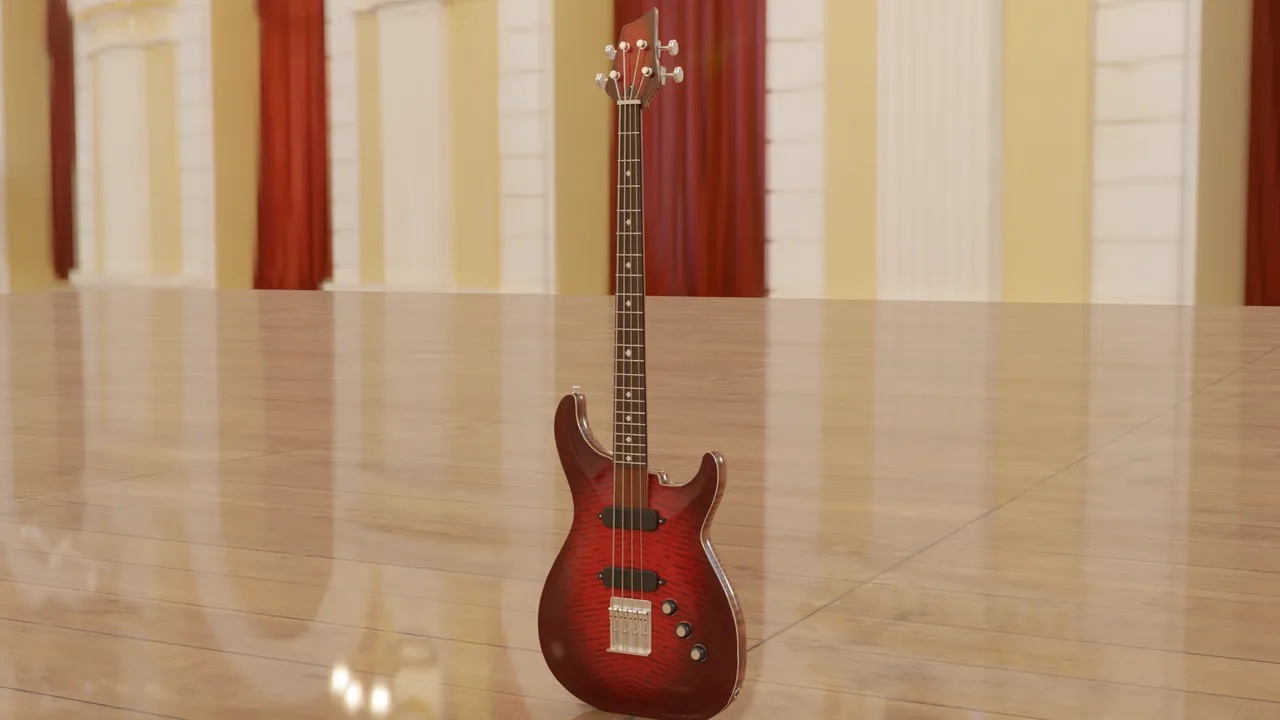
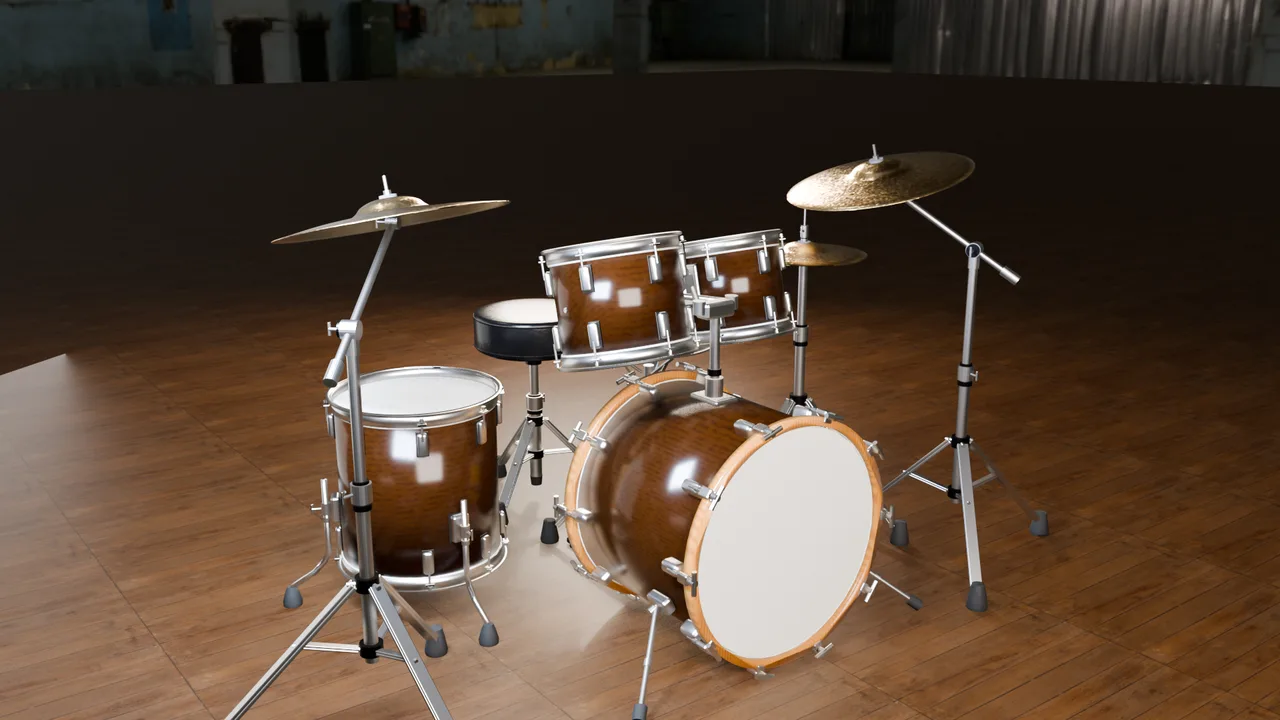
Amp, PA, mic, guitars and a drum kit, each built in our studio and for sale on Exaro Assets. The amp’s knobs turn, the mic stand tilts and telescopes, and the drum kit plays on the UE5 Mannequin.
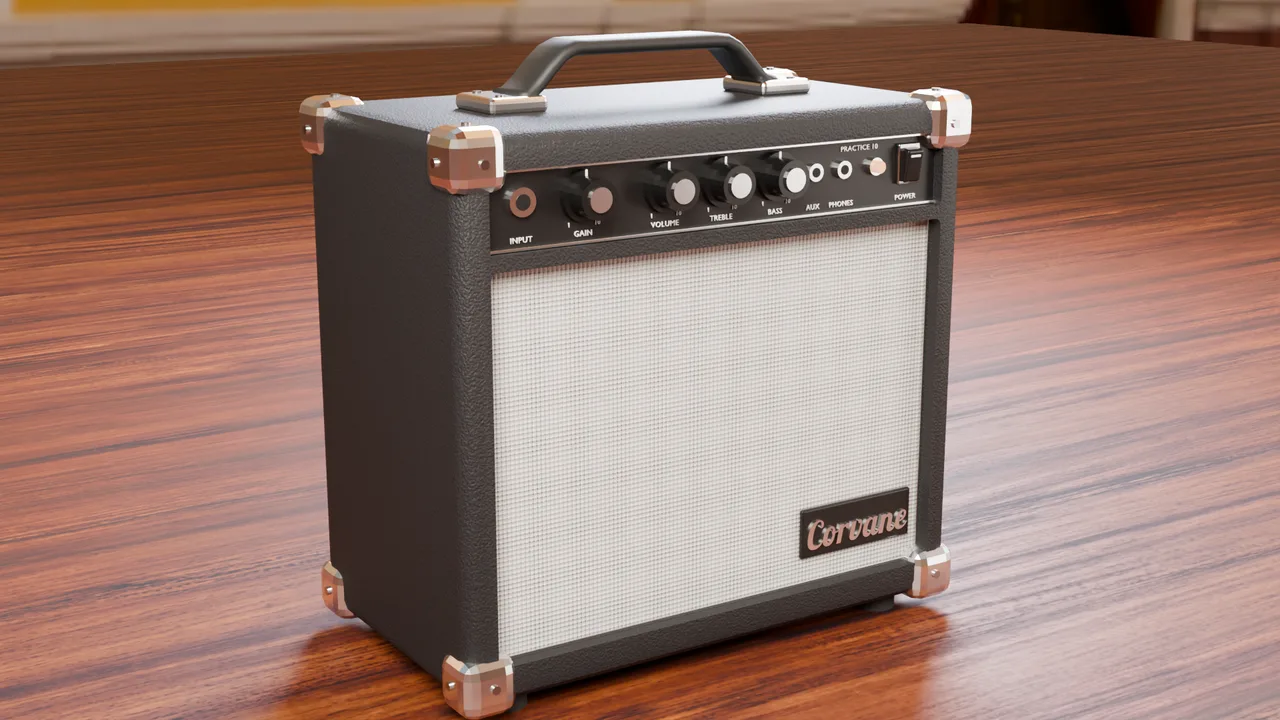
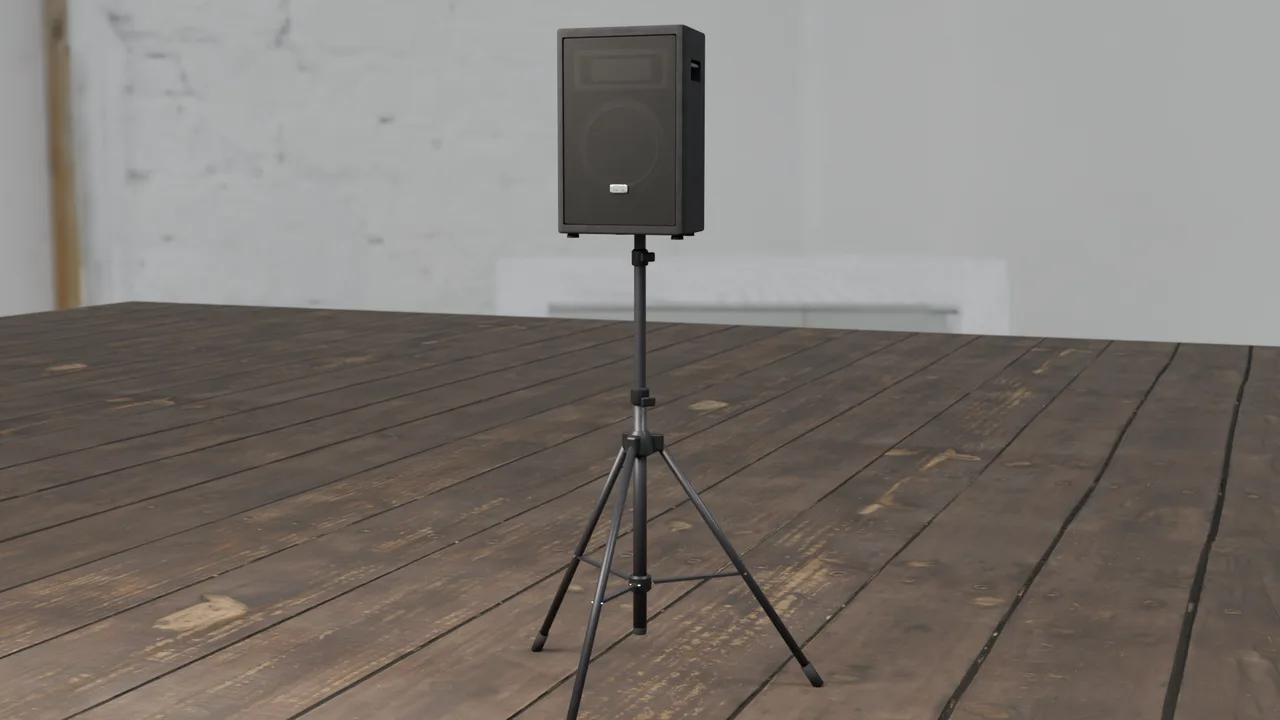
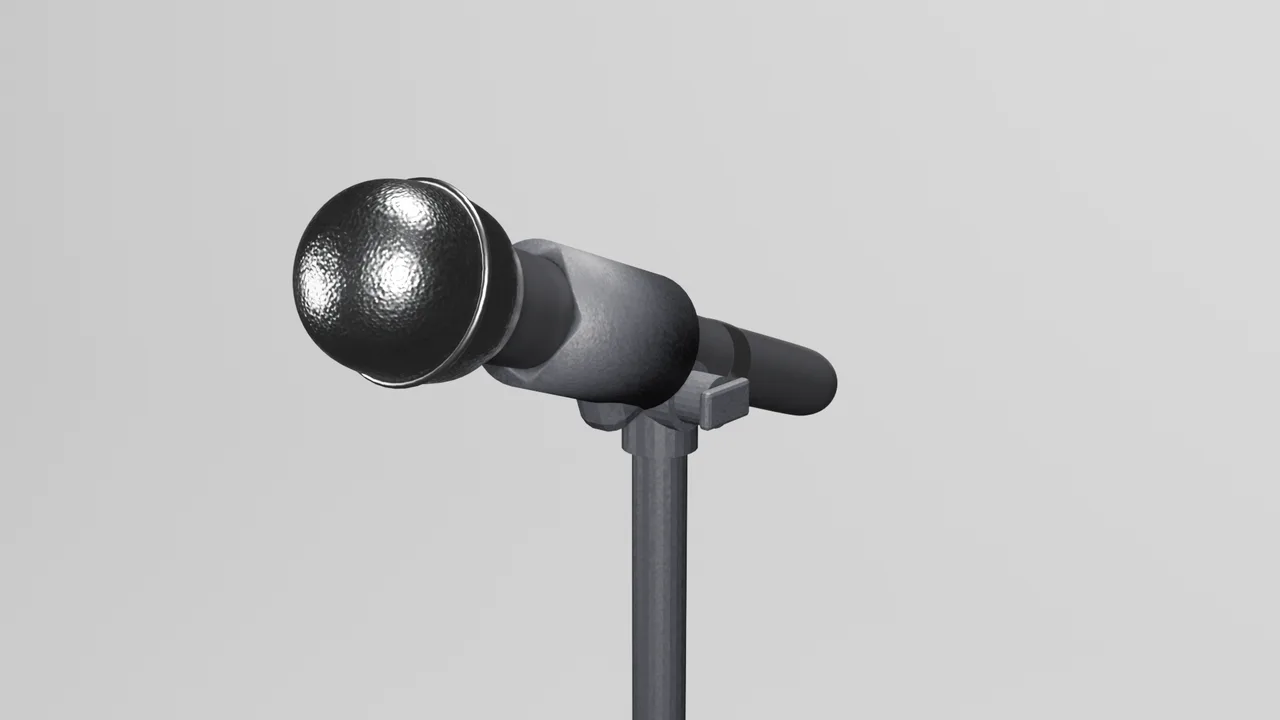
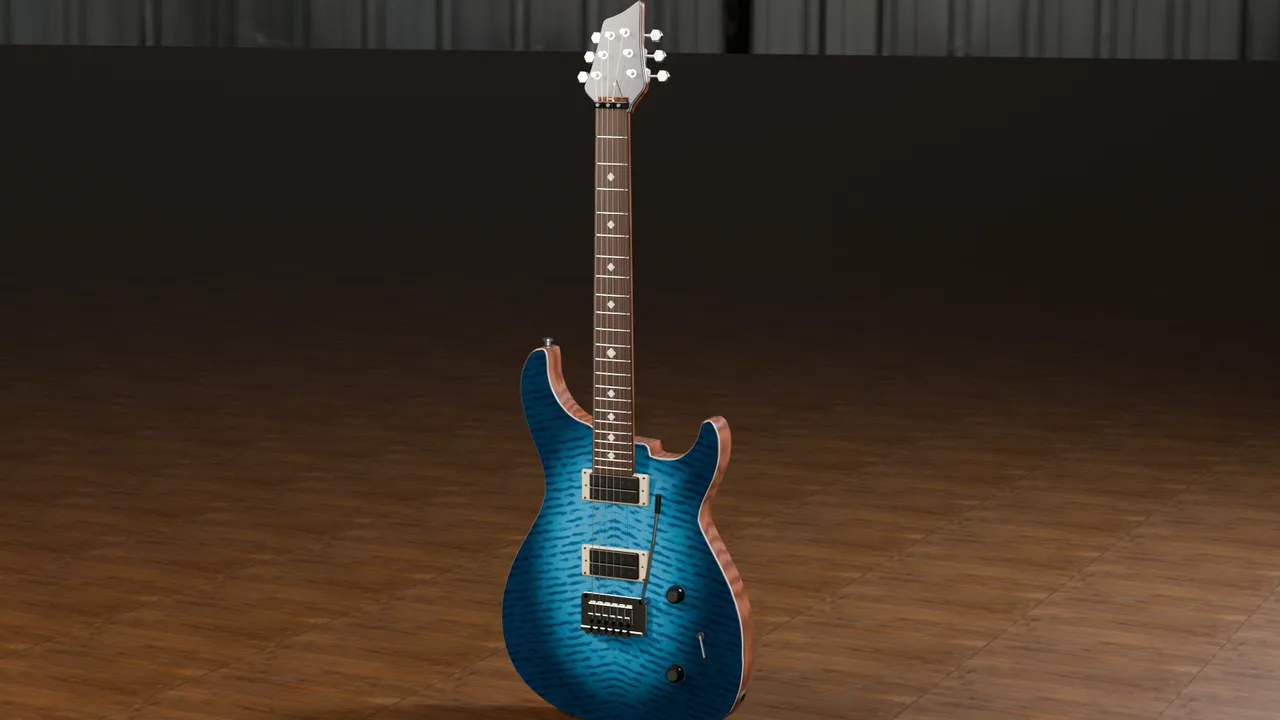
Hands that grip, point and make a fist.
Most mocap and most generated characters arrive with frozen, clawed or melted fingers. In our studio the hands are tracked as their own layer: every finger keyed in human range, and props held the way a real hand closes round them.
- A full hand-shape track on top of any body motion
- Finger joints fitted to the real hand
- Grips measured from real hands
What’s in Exaro Model.
This is the whole list. If it is not here, it is not in Exaro Model yet.
Your AI builds the model in Blender.
Your own AI (Claude, Codex, Cursor or a local model, connected over MCP) builds models in Blender from basic techniques, guided by Exaro’s building guide and lessons.
- Frontier or local models
- Uses the AI subscription you already have
Live checks with automatic fixes.
While your AI builds, Exaro checks the model on the Exaro Build Service and fixes common faults automatically.
- Floating parts, z-fighting and overlaps
- Clearance and ground contact
- Spelling, and more
Parts that fit, join and move.
Your AI orders construction kits by name for the parts that have to fit, join or move, and they come out right first time: sized to your parts, seated where they belong, with their animation clips. New kits arrive on the Build Service as they pass testing, with nothing to reinstall.
Reference for common objects.
Real-world size ranges, usual part structure and construction notes for common objects, from reviewed builds, so your AI designs its own object well instead of copying ours.
Rig and animate a humanoid character.
Rig and animate a humanoid character mesh you already have, standing in a T-pose or A-pose. Separate clothing pieces follow the body. Exported for your game engine.
- T-pose or A-pose
- Separate clothing pieces follow the body
- Game export
Critic, review and compare.
Tools your AI uses to critique a build, review it and compare versions.
Game export.
Rigged models and their animation clips export as GLB or FBX for Unreal, Unity and Godot.
Coming next
- More construction kits, released as they pass testing