Office Keyboard & Mouse
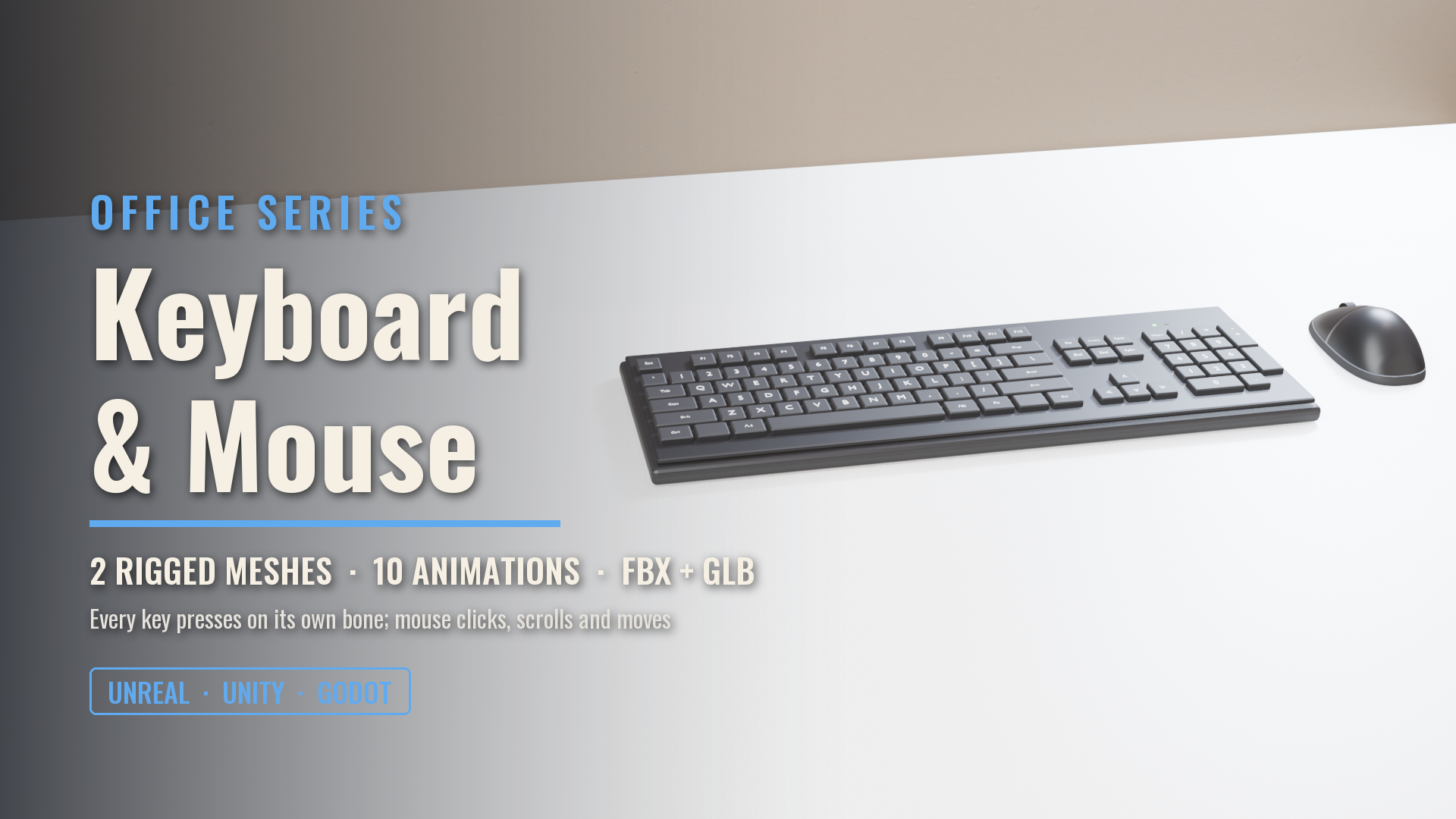
A full-size wireless office keyboard where every one of its 101 labelled keys presses on its own bone, and a matching mouse that clicks, scrolls and slides. Two separate rigged meshes, 10 animations, game ready for Unreal, Unity and Godot.
About this asset
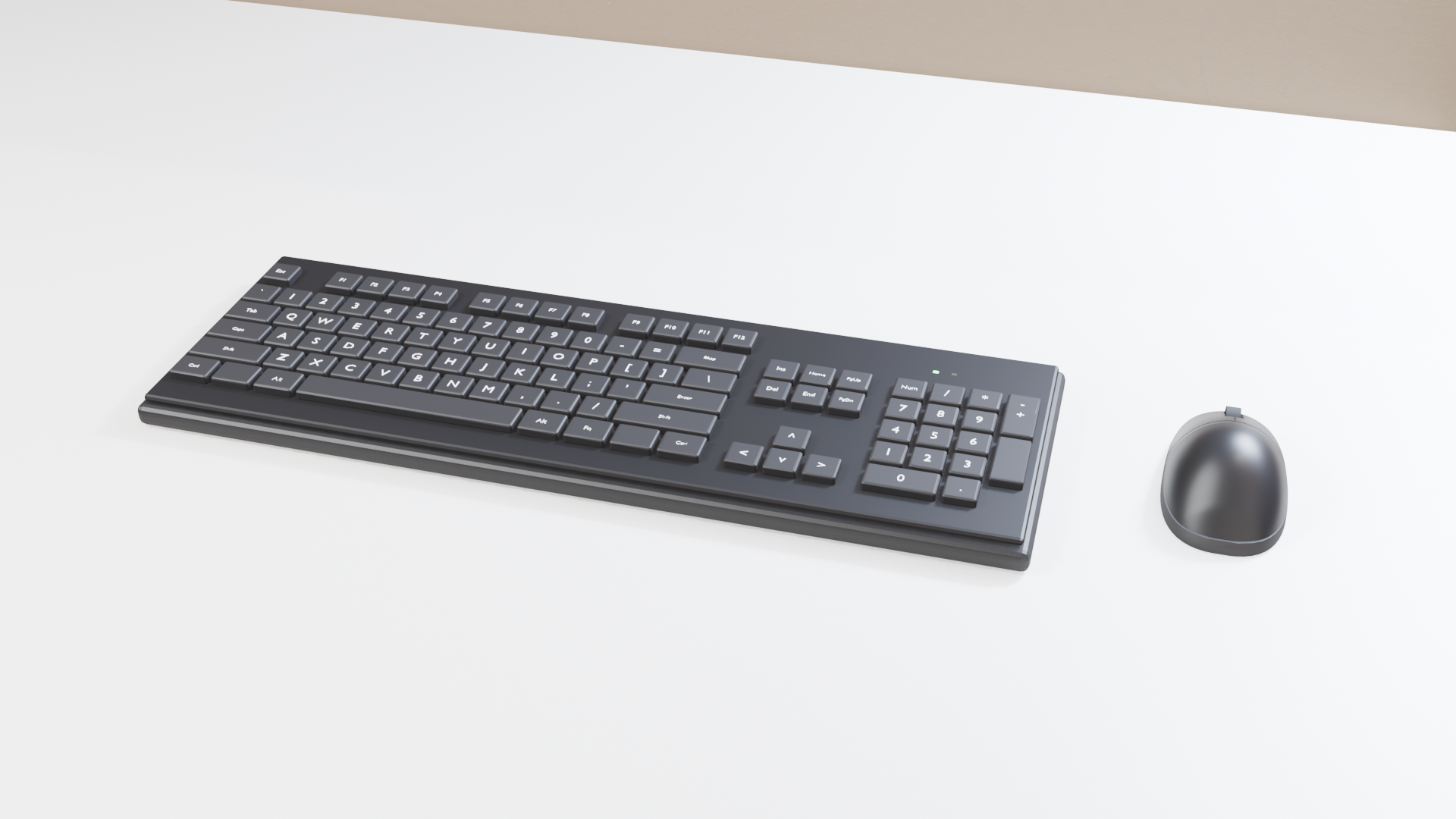
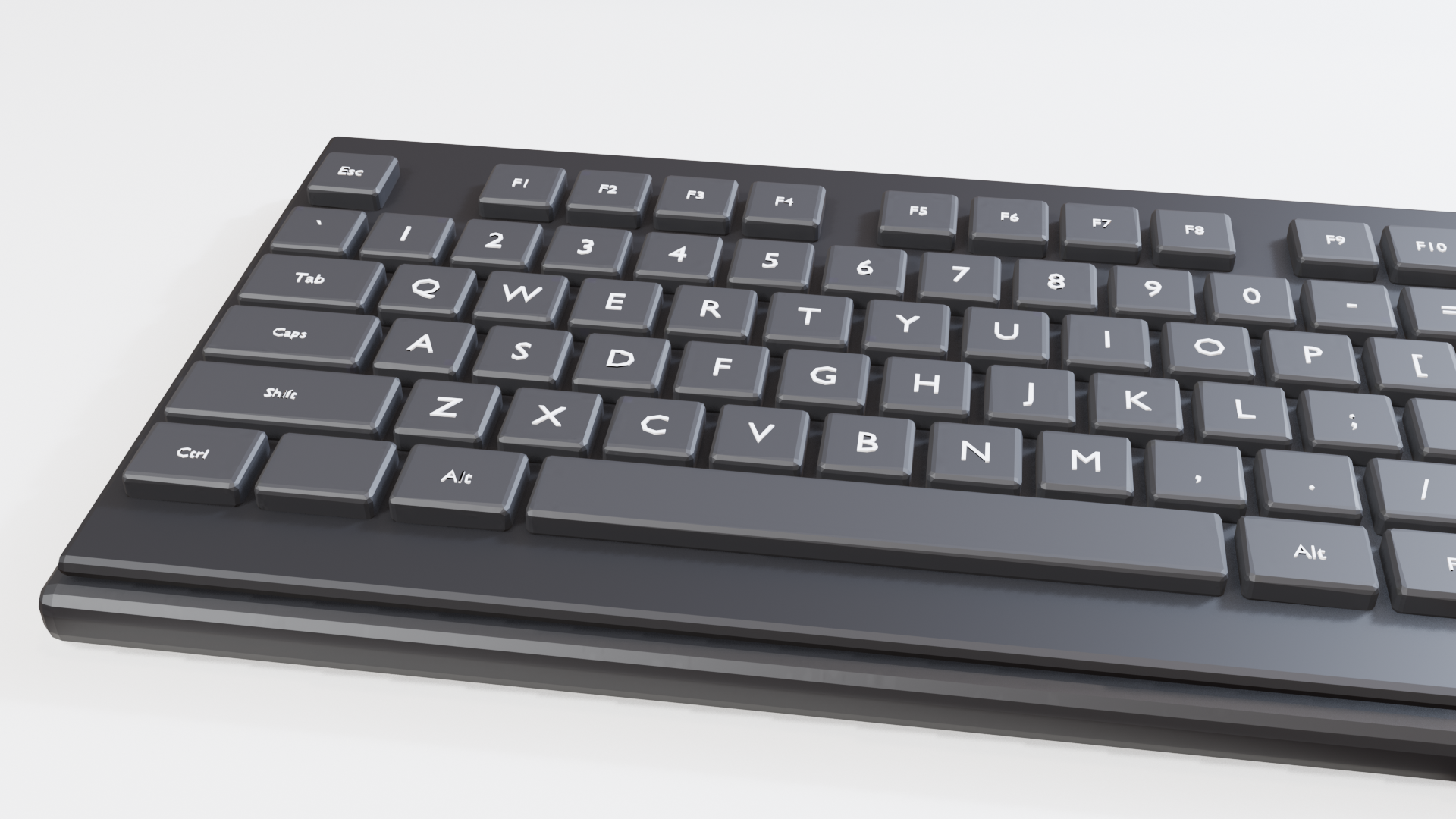
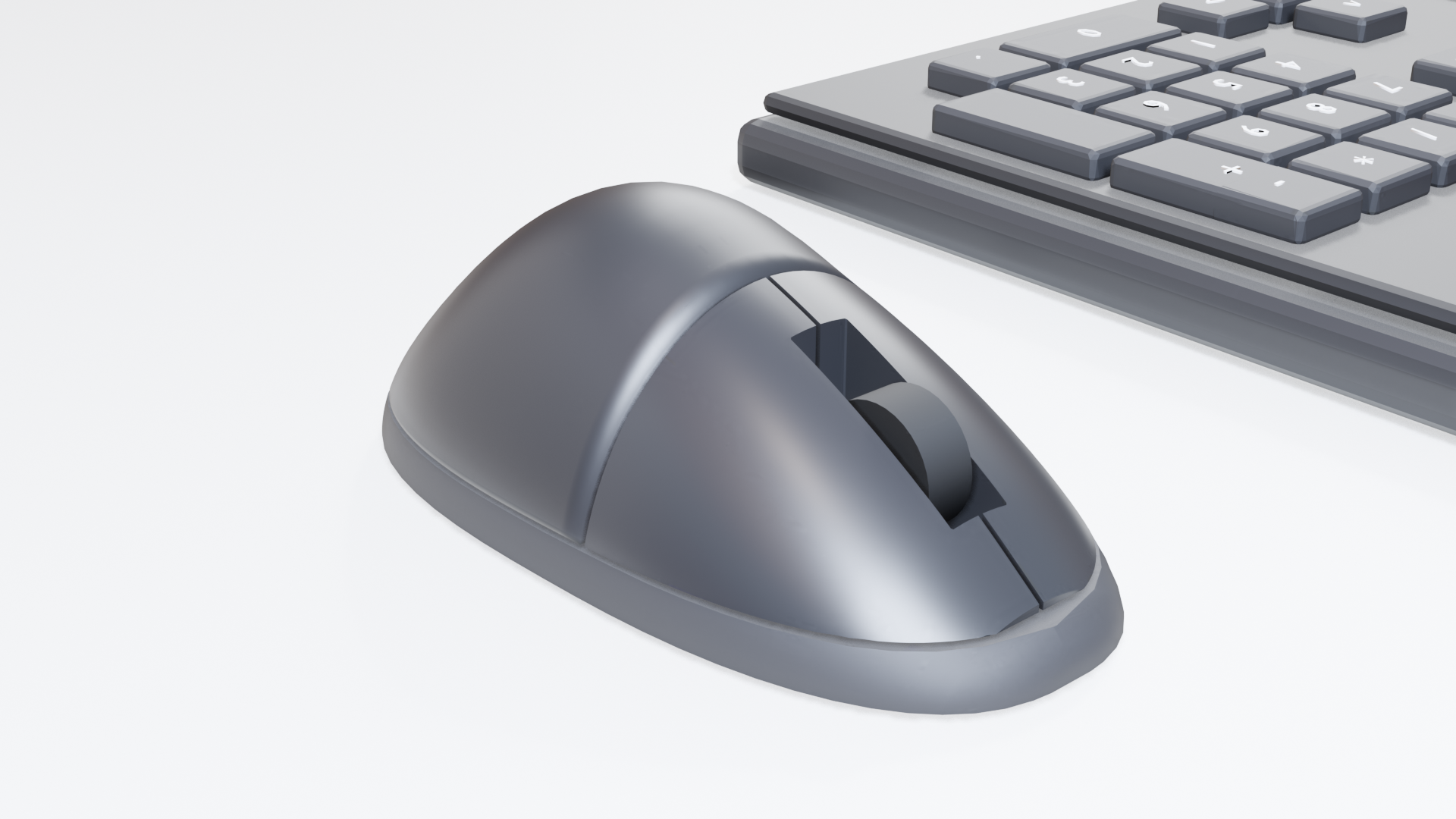
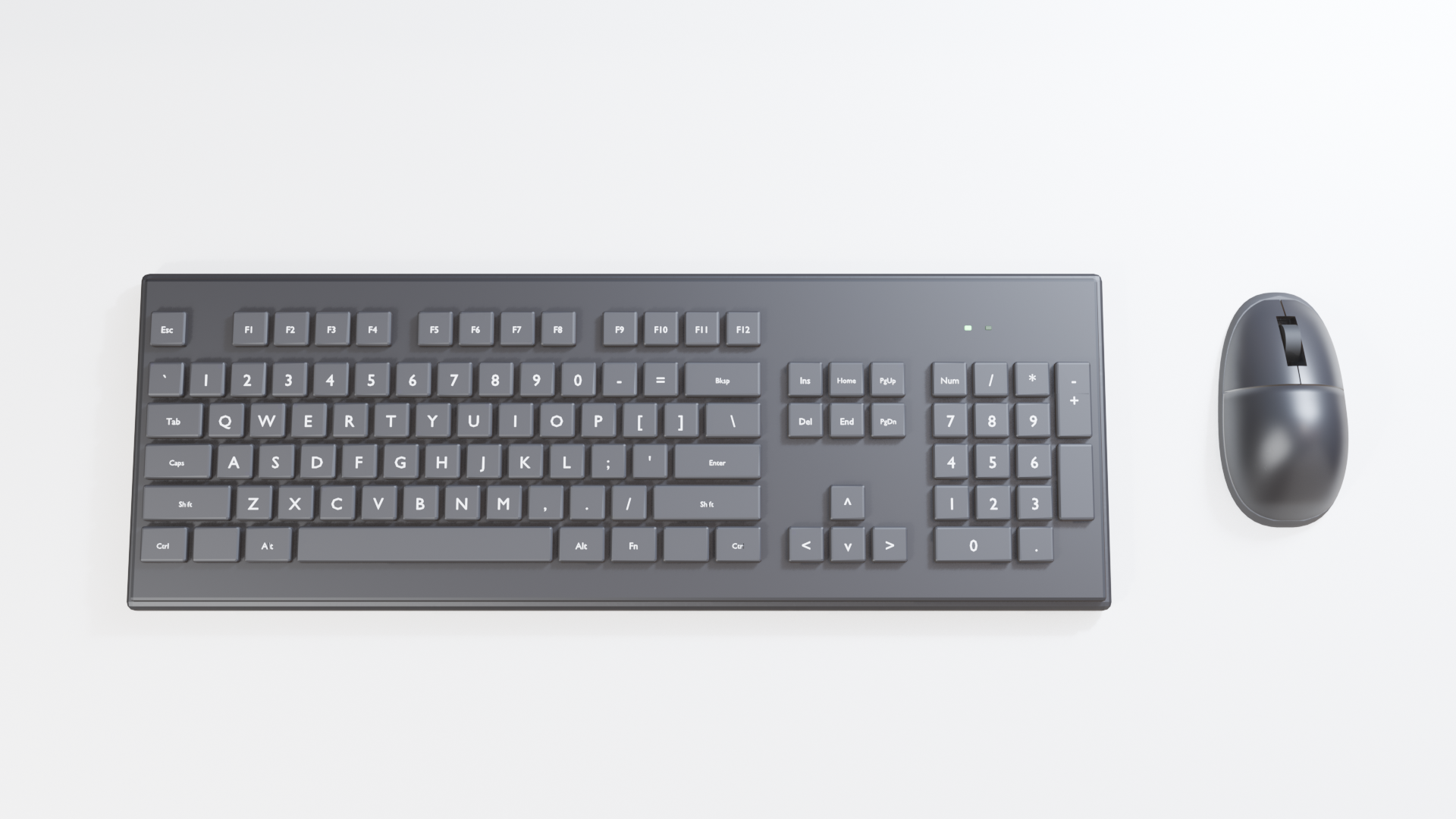
A game-ready office desk set at real size, shipped as two separate skeletal meshes so you can place the keyboard and the mouse wherever a scene needs them: a full-size low-profile keyboard (44 cm) with a function row, navigation cluster, arrows and numpad, 101 labelled keys and status LEDs, and a modern two-button mouse (11 cm) with a scroll wheel, a seamed base shell and rubber skates.
Keyboard: every key is its own bone, so a game can press any key the player types. Typing taps out a word and Enter; PressSpace, PressEnter, PressBackspace and PressEsc press single keys. A socket_mouse bone marks where the mouse stands beside it.
Mouse: Click, DoubleClick and RightClick press its buttons, Scroll turns the wheel, and Move slides it around the desk. A grip socket lets a character's hand rest on it.
Rigged on 103 bones (keyboard: one per key plus the mouse socket) and 7 bones (mouse: two buttons, wheel, two slides, grip).
Clips: keyboard Idle, Typing, PressSpace, PressEnter, PressBackspace, PressEsc; mouse Idle, Click, DoubleClick, RightClick, Scroll, Move.
Two skeletal meshes, about 35,000 triangles together, each with baked 2K colour, normal and roughness maps. Each includes FBX (skeletal mesh plus one FBX per clip for Unreal) and a GLB with every clip embedded, plus a preview GLB of the pair together.
Animations
11 animation clips.
| Clip | Length | Plays |
|---|---|---|
Idle | 1 s | Loops |
Typing | 2.58 s | Once |
PressSpace | 0.25 s | Once |
PressEnter | 0.25 s | Once |
PressBackspace | 0.25 s | Once |
PressEsc | 0.25 s | Once |
MouseClick | 0.25 s | Once |
MouseDoubleClick | 0.46 s | Once |
MouseRightClick | 0.25 s | Once |
MouseScroll | 1 s | Loops |
MouseMove | 2 s | Loops |
Rig
Custom prop rig
Engines and formats
Unreal, Unity, Godot.
- FBX (skeletal mesh + one file per clip)
- GLB (all clips embedded)
- PNG textures
Help
Questions, bugs or requests: contact us. The product's page in the Exaro store has its full description and a 3D preview you can turn in the browser.
Made with our own production tools
Every Exaro asset is built, checked and packed for Unreal Engine with the same tools we sell: Exaro Model in Blender and Exaro for Unreal inside the editor, driven by the AI you already use.