Military Drone Quadcopter
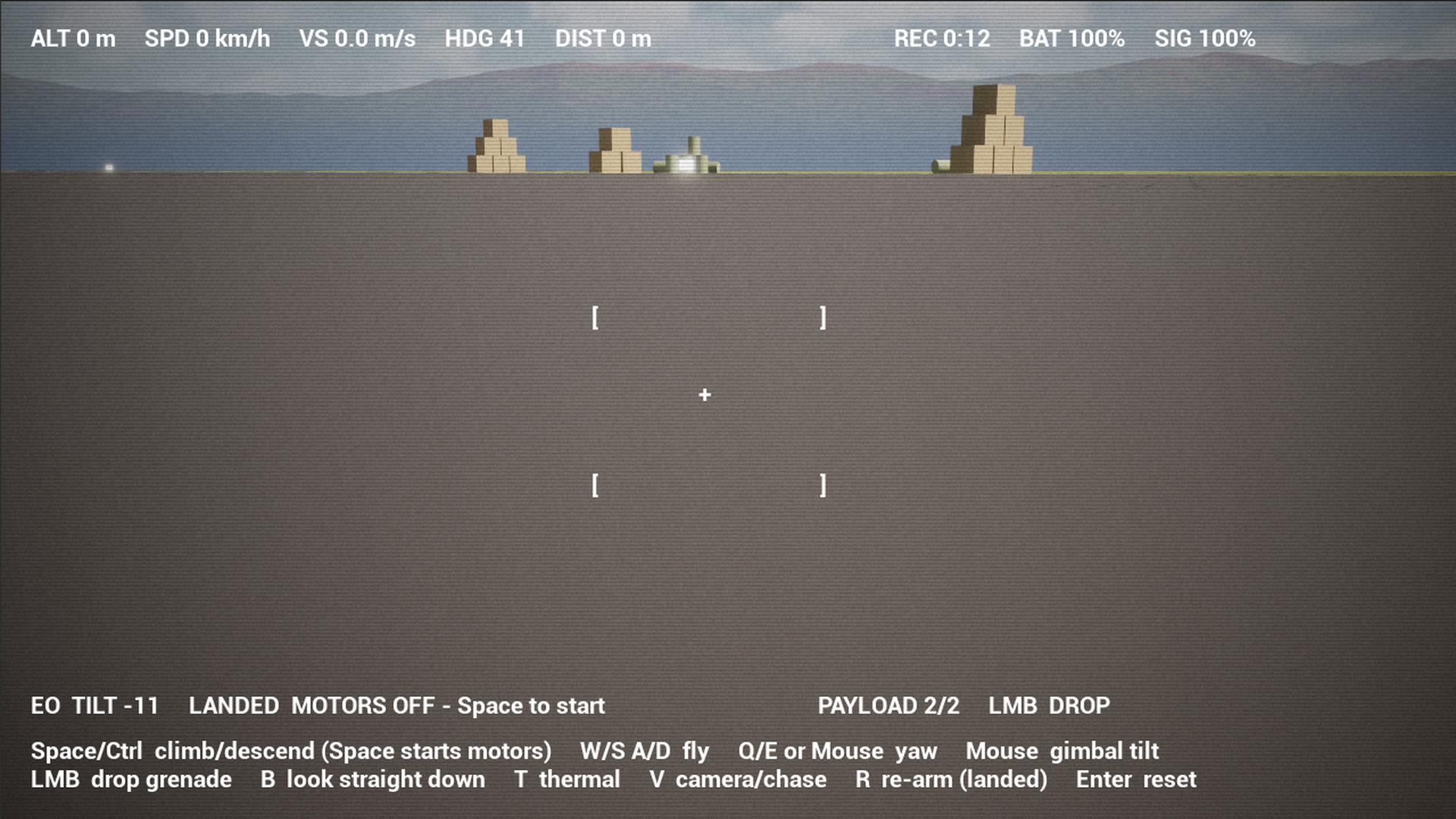
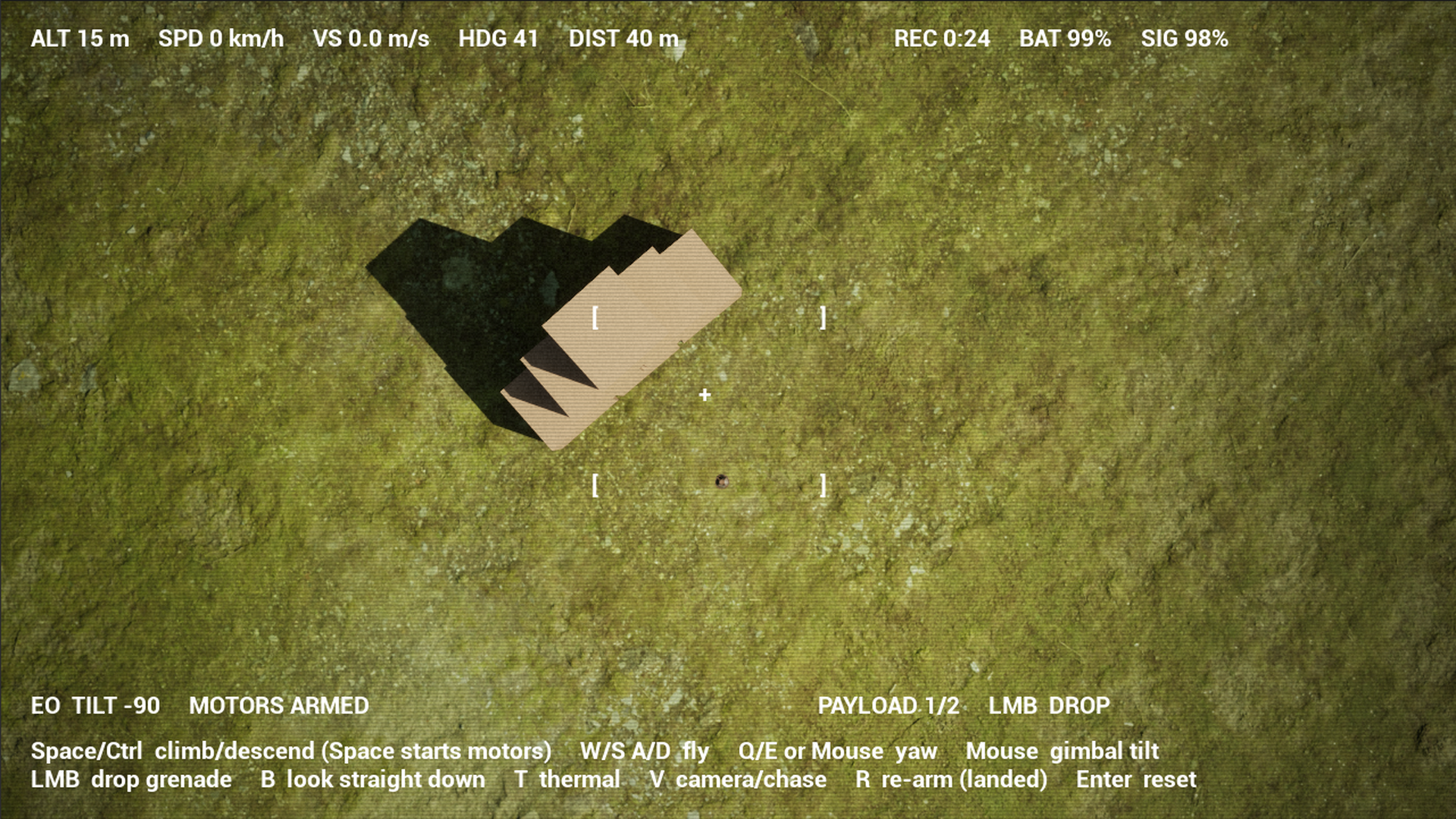
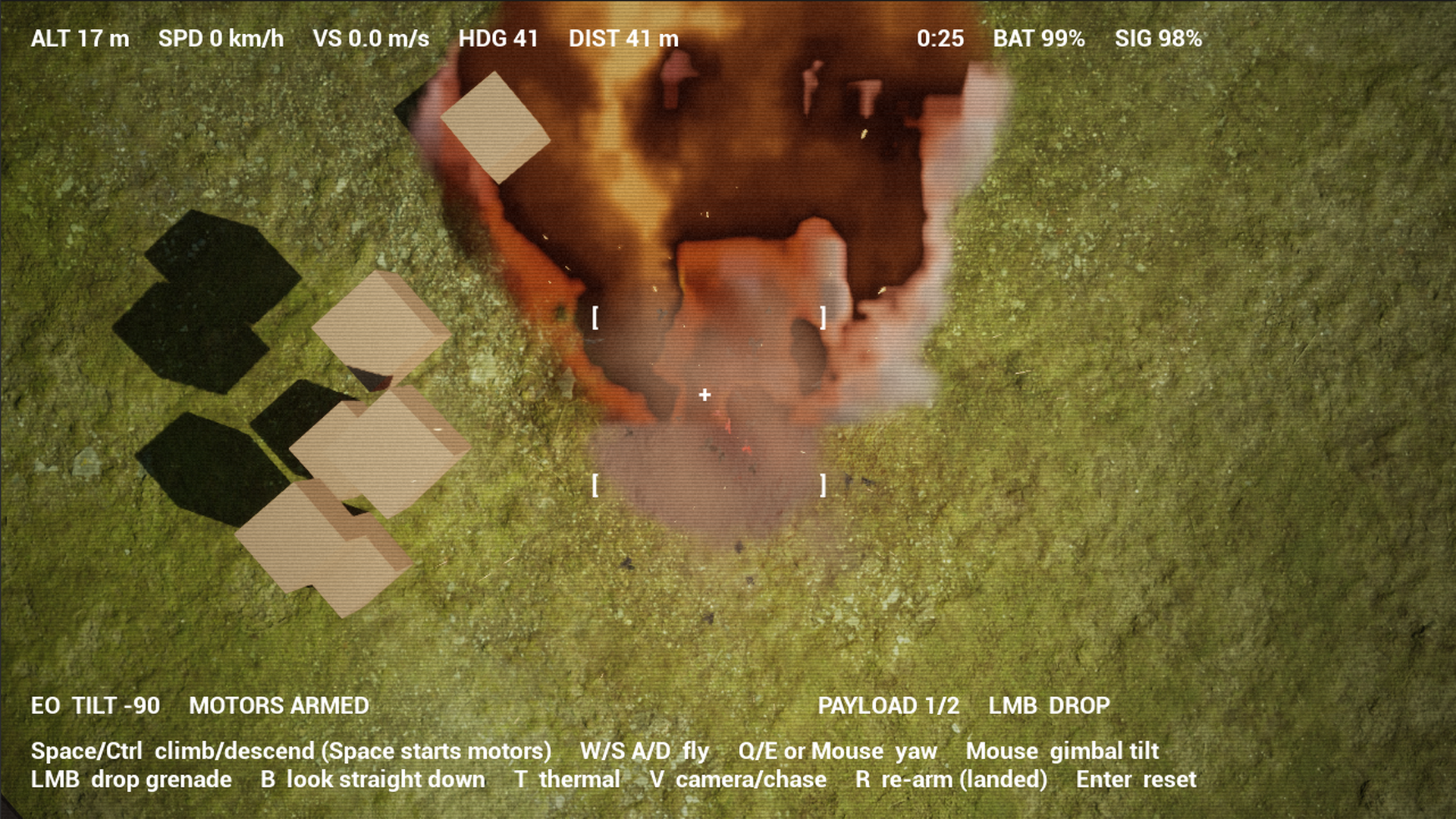
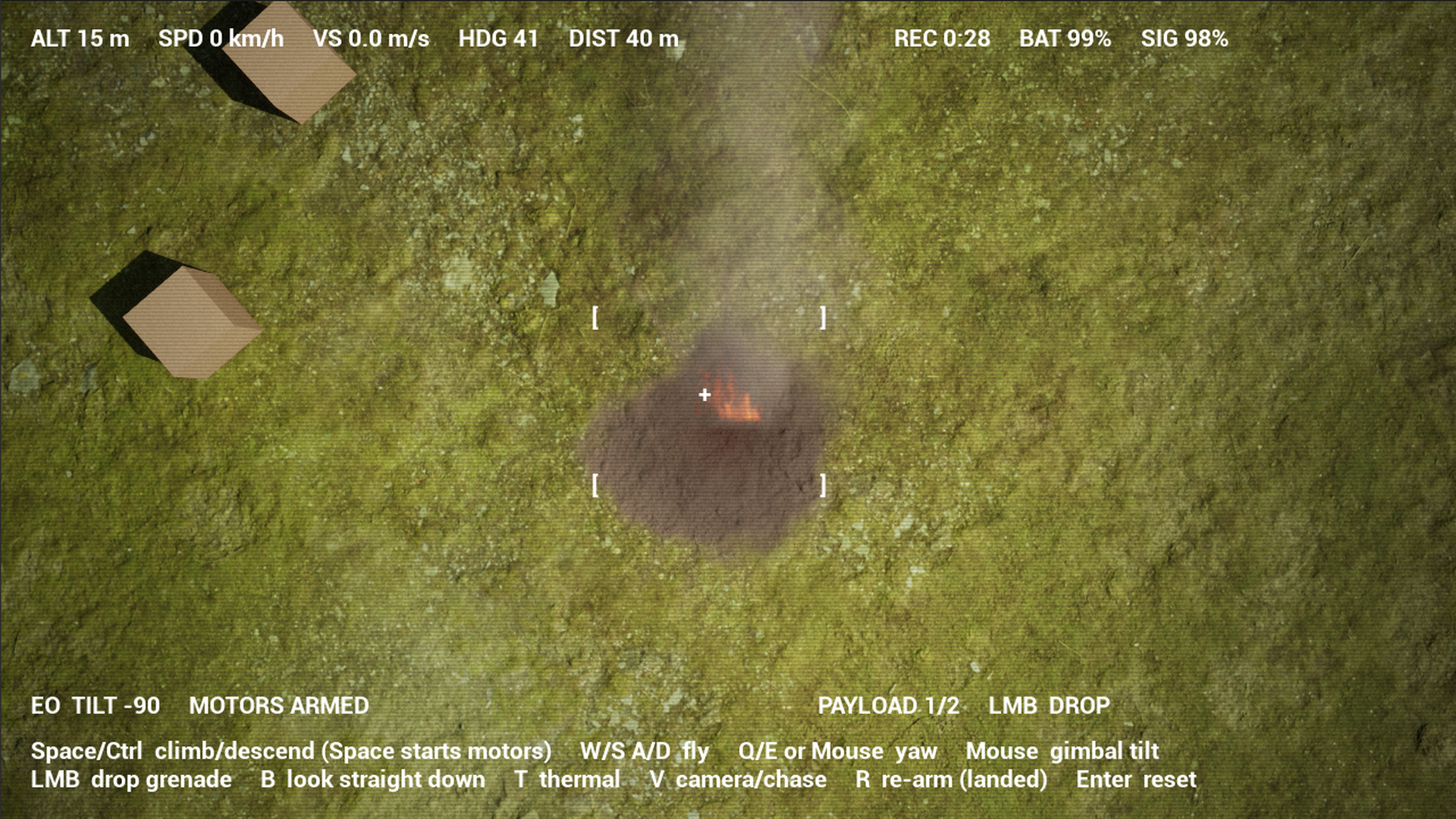
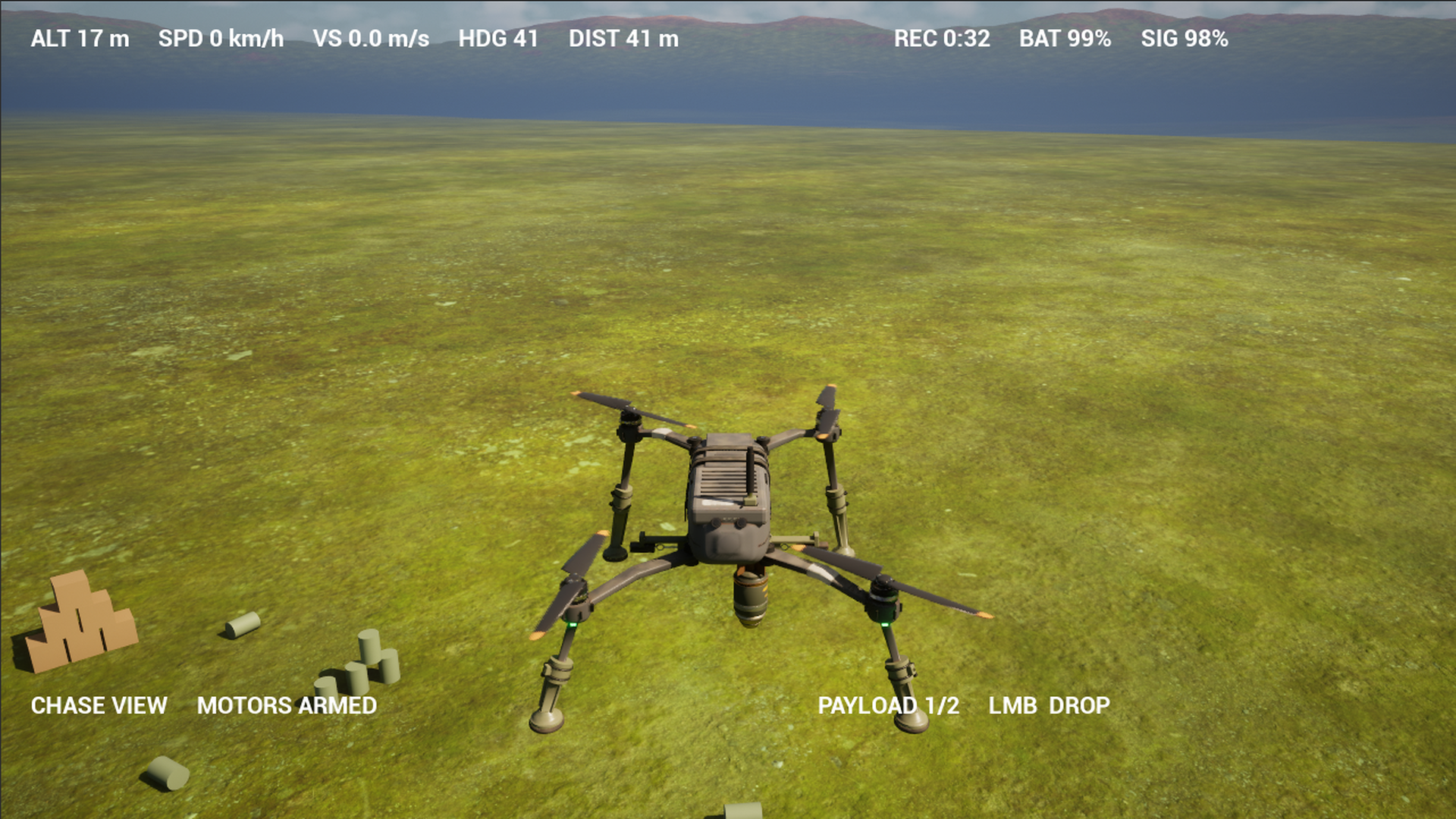
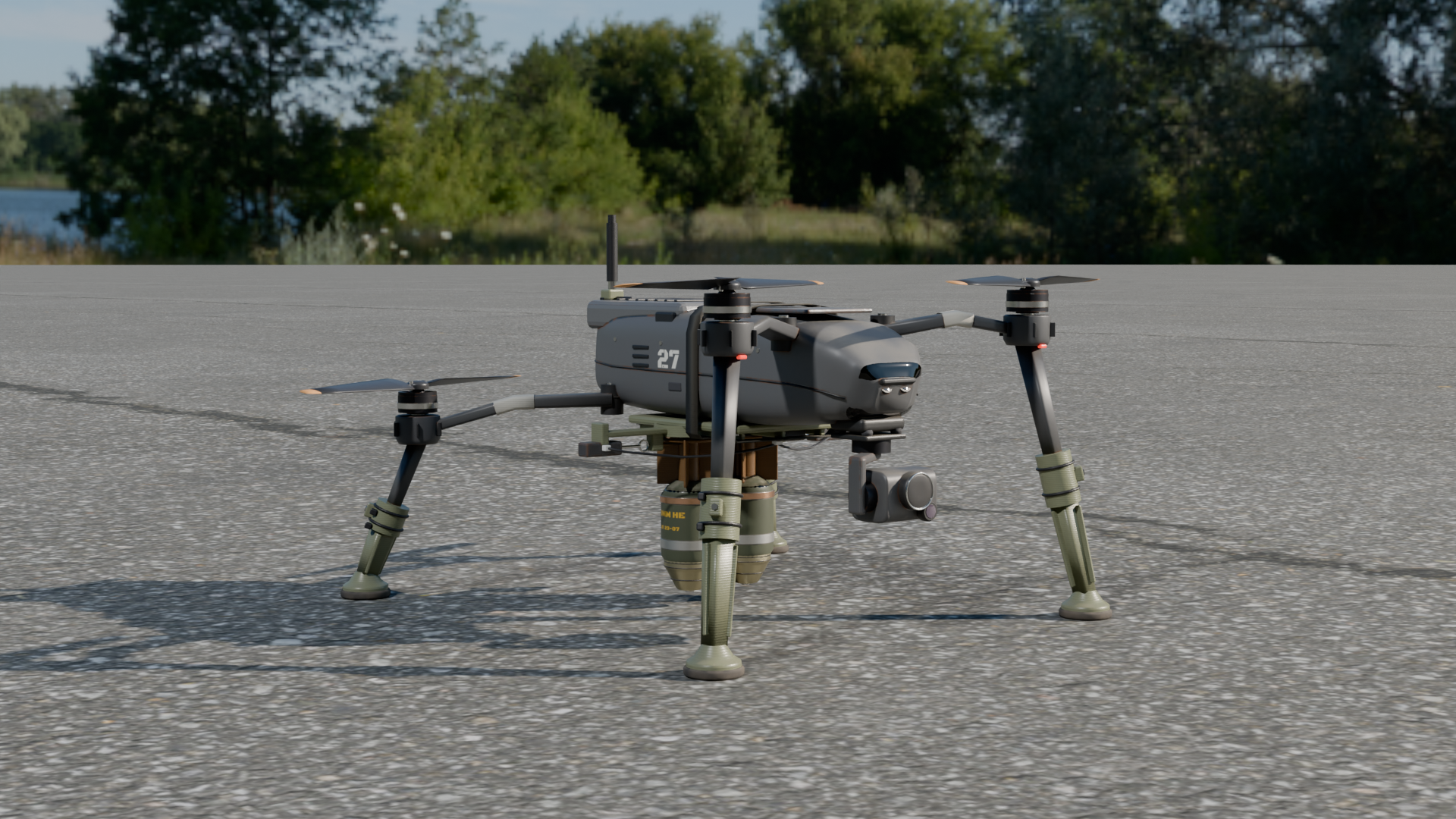
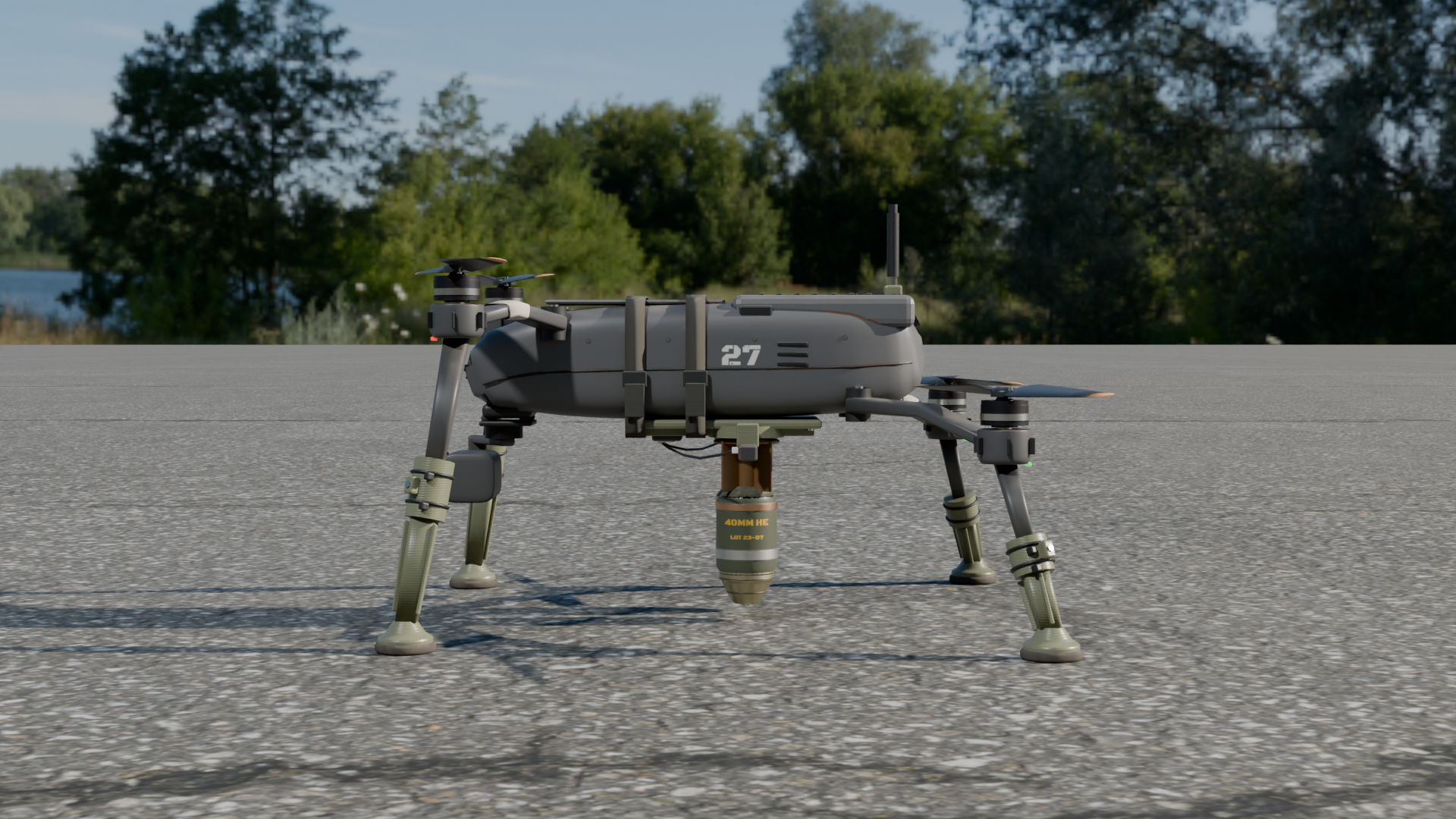
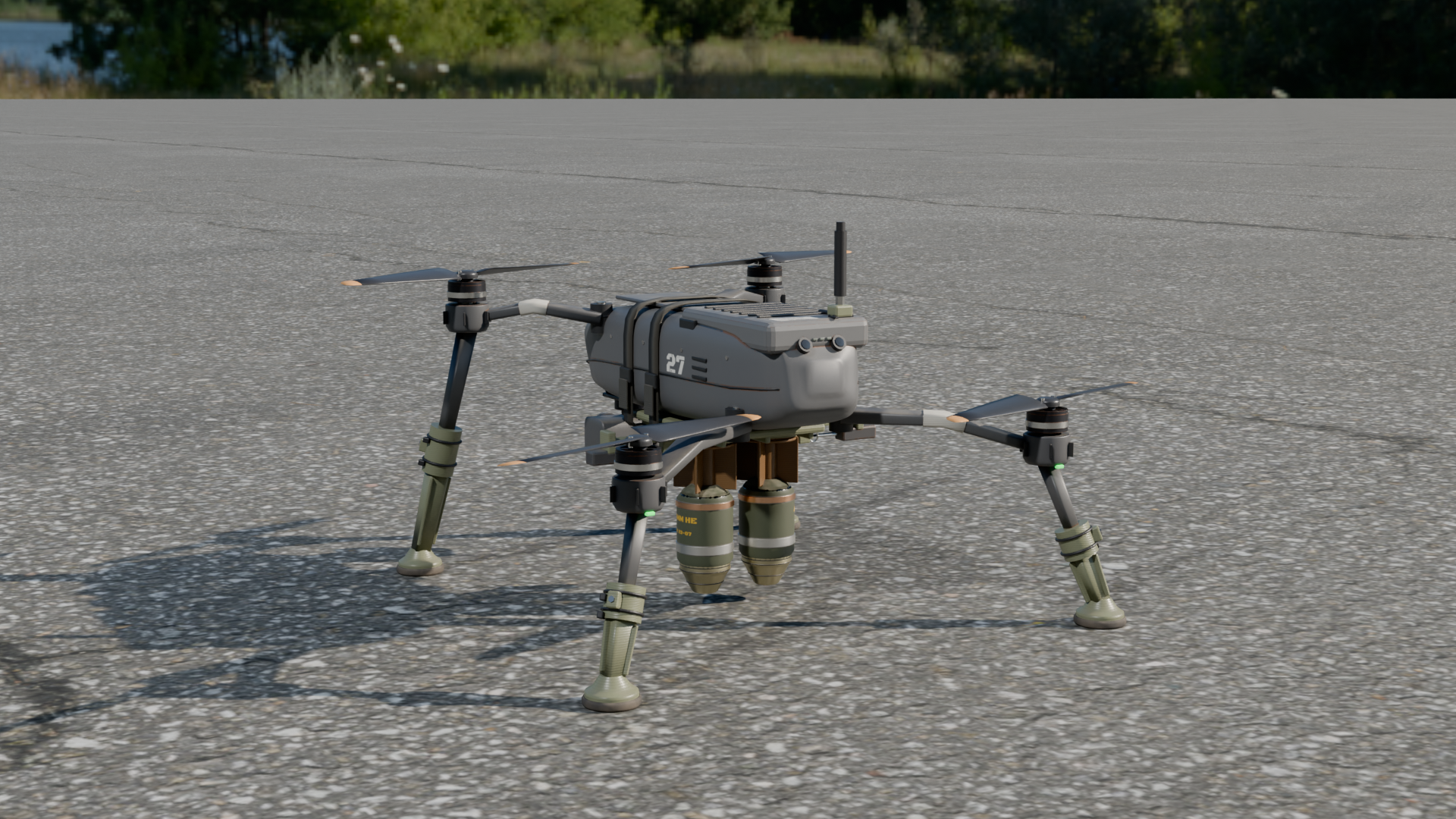
Military Drone Quadcopter: a game-ready, field-modified folding camera quadcopter you can fly from its gimbal camera, with an operator screen and thermal mode, two droppable finned grenades that land in a fire and smoke explosion with impulse and damage (explosion in UE 5.7 and later, Blueprint only), a rig with spinning props, gimbal pan and tilt and working release pins, LODs and fitted collision, plus a starter pawn on a demo map with targets.
What's included
- 5 in
Animations - 6 in
Blueprints - 40 in
Effects - 5 in
Landscape - 2 in
Maps - 16 in
Materials - 8 in
Meshes - 30 in
Textures - 1 in
UI
Requirements
- Unreal Engine 5.5, 5.6, 5.7, 5.8; content only (no plugins, no C++, no dependencies).
- Windows tested; the content is platform independent.
Opening it in Unreal Engine
- Open the project, or copy its
Content/MilitaryDronefolder into your own project'sContentfolder (or use Migrate from the Content Browser). - Open
MilitaryDrone/Maps/L_MilitaryDrone_Flightand press Play. MilitaryDrone/Maps/L_MilitaryDrone_Overviewshows every asset of the pack, labelled.
Controls and Blueprints
- Starter pawn: BP_MilitaryDrone_Flight opens on the gimbal camera (Space/Ctrl climb and descend, W/A/S/D fly, mouse yaw and gimbal tilt, B look straight down, T thermal, V chase camera, left mouse drops a grenade, R re-arms on the ground, Enter resets); tuning variables in its Flight category
- Operator screen: WBP_GR_DroneFeed (altitude, speed, heading, distance, recording, battery, signal, sensor mode, payload) and the camera feed post-process M_GR_DroneFeed (scan lines, noise, vignette, white-hot thermal)
- Payload: two grenades drop from their release sockets with the drone's velocity and fall under gravity; at impact a radial impulse and ApplyRadialDamage, and in UE 5.7 and later the Fire & Smoke ground burst and a crater fire
- Packages: a Blueprint with its rig, clips (PropSpin, GimbalLook, GimbalTilt, DropLeft, DropRight) and LOD static meshes; the loose grenade as its own static mesh
- Collision: every static mesh carries fitted simple collision
Using it in your own level
- Drag
MilitaryDrone/Blueprints/BP_MilitaryDrone_Flightinto the level, near a Player Start. - In its Details panel set Pawn > Auto Possess Player to Player 0, then press Play (or set the level's GameMode Override to its BP_GM_ game mode, which spawns it at the Player Start).
- Select the placed BP_MilitaryDrone_Flight and adjust its tuning variables in the Details panel; each carries a tooltip.
Folder layout
Every asset is in its type's folder under MilitaryDrone:
| Folder | Assets |
|---|---|
MilitaryDrone/Animations | 5: AS_MilitaryDrone_main_Rig_DropLeft, AS_MilitaryDrone_main_Rig_DropRight, AS_MilitaryDrone_main_Rig_GimbalLook, AS_MilitaryDrone_main_Rig_GimbalTilt, AS_MilitaryDrone_main_Rig_PropSpin |
MilitaryDrone/Blueprints | 6: ABP_MilitaryDrone_main_Controls, BP_Explosion, BP_Fire, BP_GM_MilitaryDrone_Flight, BP_MilitaryDrone_Flight, BP_MilitaryDrone_main |
MilitaryDrone/Effects | 40: NS_BoomAirS25, NS_BoomAirS5, NS_BoomFireballS25, NS_BoomFireballS5, NS_BoomFireballSide, NS_BoomGroundS1, NS_BoomGroundS25, NS_BoomGroundS5, NS_BoomLowS2, NS_BoomLowS5, NS_Debris_25m, NS_Debris_2m and 28 more |
MilitaryDrone/Landscape | 5: LI_Crop, LI_Field, LI_Grass, LI_Rock, LI_Snow |
MilitaryDrone/Maps | 2: L_MilitaryDrone_Flight, L_MilitaryDrone_Overview |
MilitaryDrone/Materials | 16: MI_DroneTargetBarrel, MI_DroneTargetCrate, MI_Flight_Paint, MI_Flight_Runway, MI_GRB_main_baked_A70b7e, MI_GRB_main_baked_A86f93, MI_GRB_main_baked_A86f93_001, MI_GRB_main_glass_Aab81b, MI_camera_glass, MI_sensor_glass, MI_thermal_glass, M_Flight_Landscape and 4 more |
MilitaryDrone/Meshes | 8: PHYS_MilitaryDrone_main_Rig, SKEL_MilitaryDrone_main_Rig_Skeleton, SK_MilitaryDrone_main_Rig, SM_DroneTargetDrum, SM_MilitaryDrone_Grenade, SM_main__static__main_baked__close, SM_main__static__main_baked__hero, SM_main__static__main_glass__hero |
MilitaryDrone/Textures | 30: T_Camera_Glass_base_color_dark, T_Sensor_Glass_base_color_dark, T_Thermal_Glass_base_color_dark, T_aerial_grass_rock_Diffuse, T_aerial_grass_rock_Rough, T_aerial_grass_rock_nor_dx, T_dry_ground_01_Diffuse, T_dry_ground_01_Rough, T_dry_ground_01_nor_dx, T_leafy_grass_Diffuse, T_leafy_grass_Rough, T_leafy_grass_nor_dx and 15 more |
MilitaryDrone/UI | 1: WBP_GR_DroneFeed |
Engines and formats
Unreal Engine 5.5, Unreal Engine 5.6, Unreal Engine 5.7, Unreal Engine 5.8, Unity, Godot.
- FBX per package (static meshes with LODs and UCX_ collision, plus a skeletal rig with its clips)
- GLB per package and LOD
- PNG textures (tiling, baked and atlas maps)
- Unreal Python importer driven by the manifest
- Unreal Engine project per engine (5.5, 5.6, 5.7, 5.8) with Blueprints, materials and a demo map
Help
Questions, bugs or requests: contact us. The product's page in the Exaro store has its full description and a 3D preview you can turn in the browser.
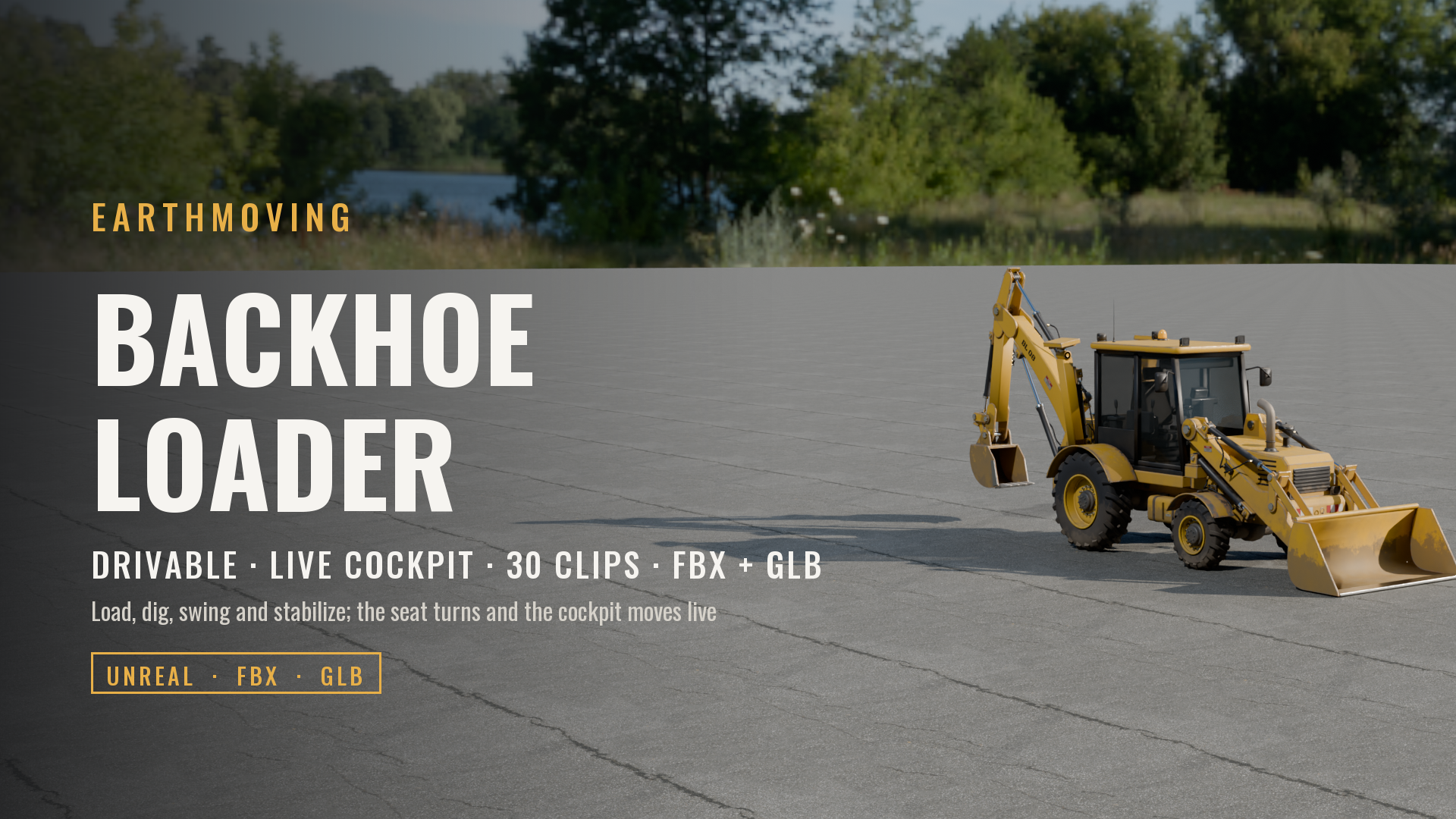 Vehicles
Backhoe Loader (Drivable, Live Cockpit, Rigged & Animated)
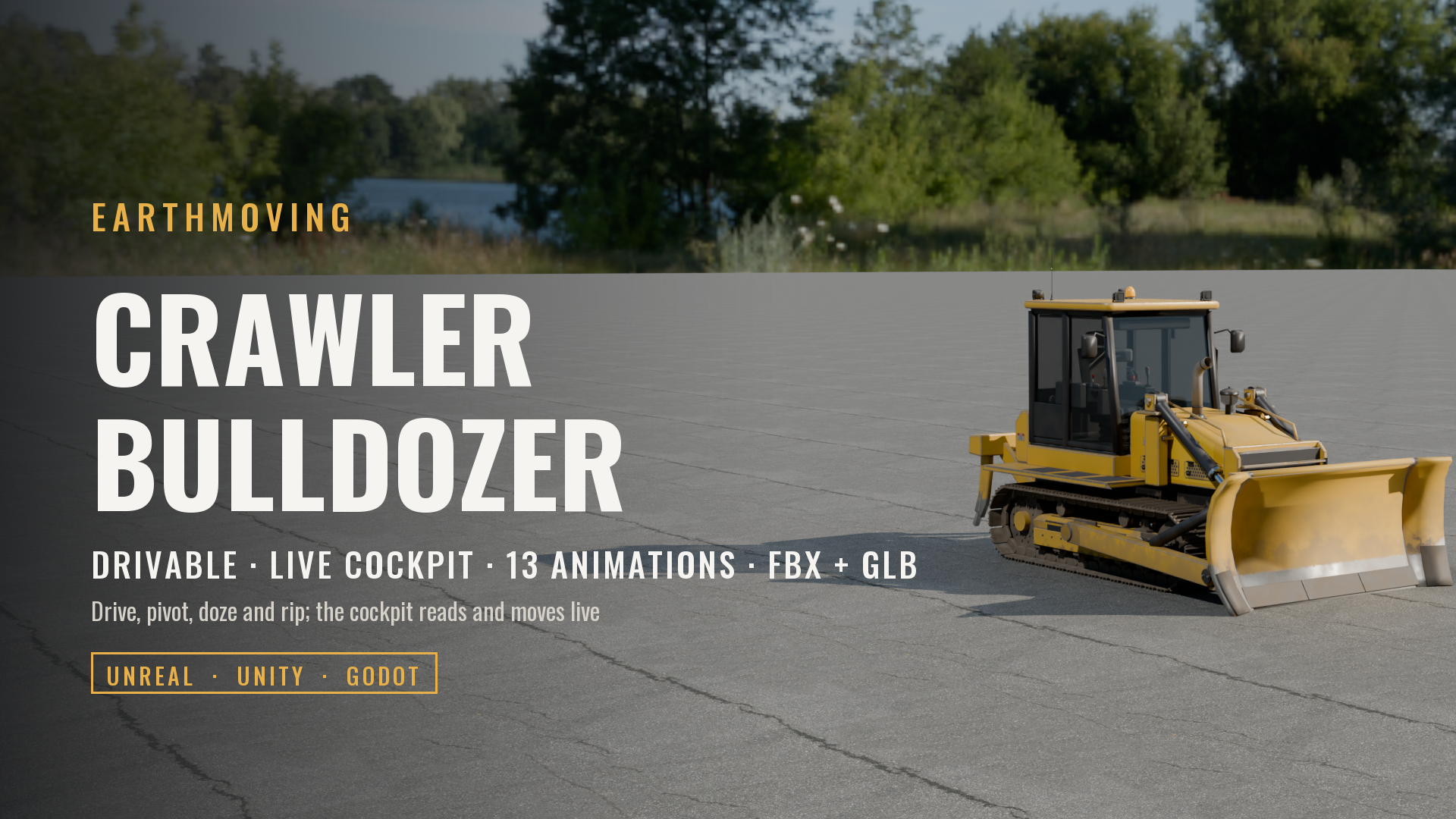 Vehicles
Crawler Bulldozer with Ripper (Drivable, Live Cockpit, Rigged & Animated)
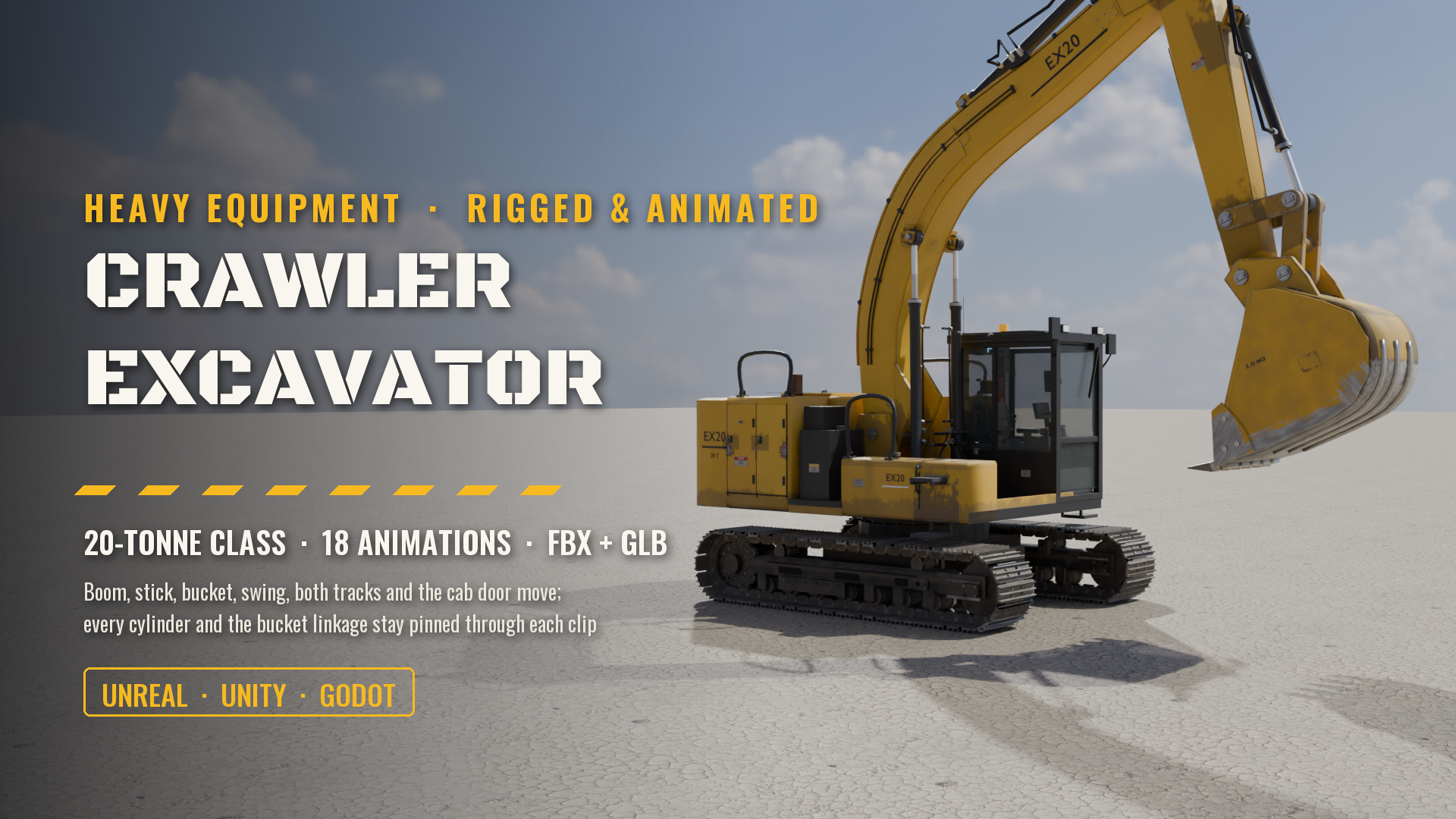 Vehicles
Crawler Excavator, 20-Tonne Class (Rigged & Animated: Boom, Stick, Bucket, Swing, Tracks, Cab)
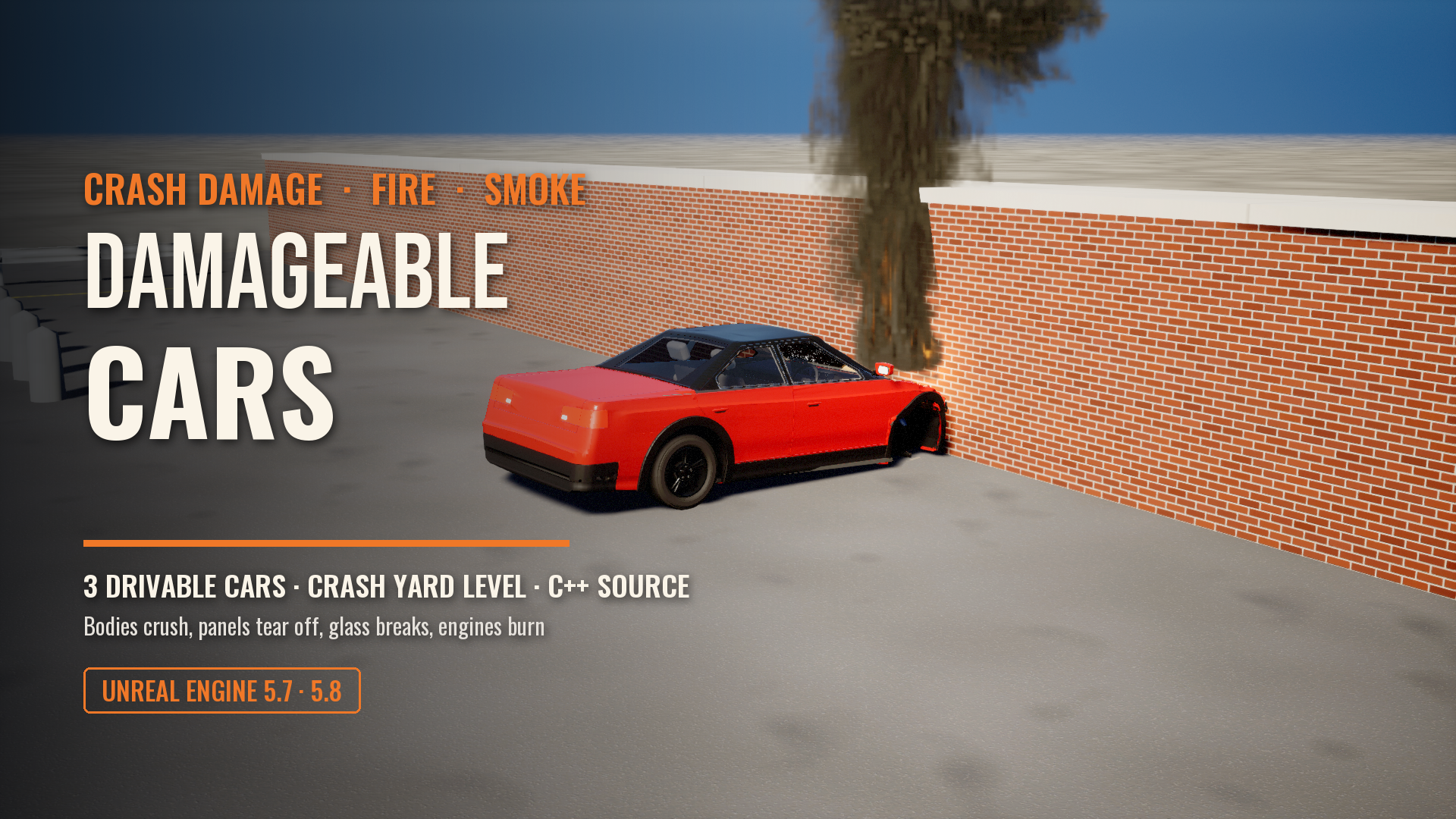 Vehicles
Damageable Cars: Real Crash Damage, Fire and Smoke for Unreal Engine
 Vehicles
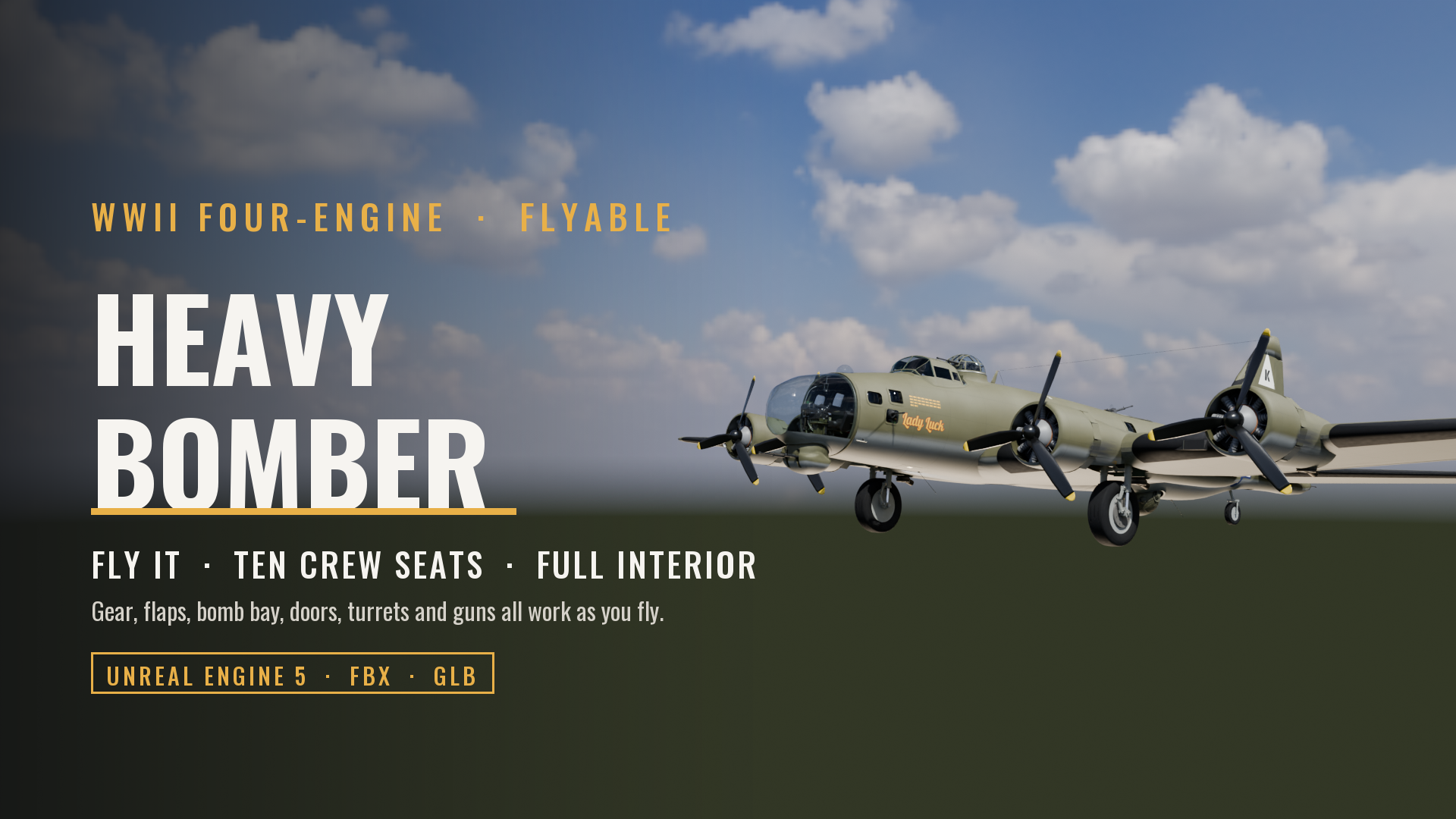
Flyable WWII Heavy Bomber, Four-Engine (Full Crew Interior, Ten Crew Seats, Working Gear, Flaps, Bomb Bay, Guns and Controls)
 Vehicles
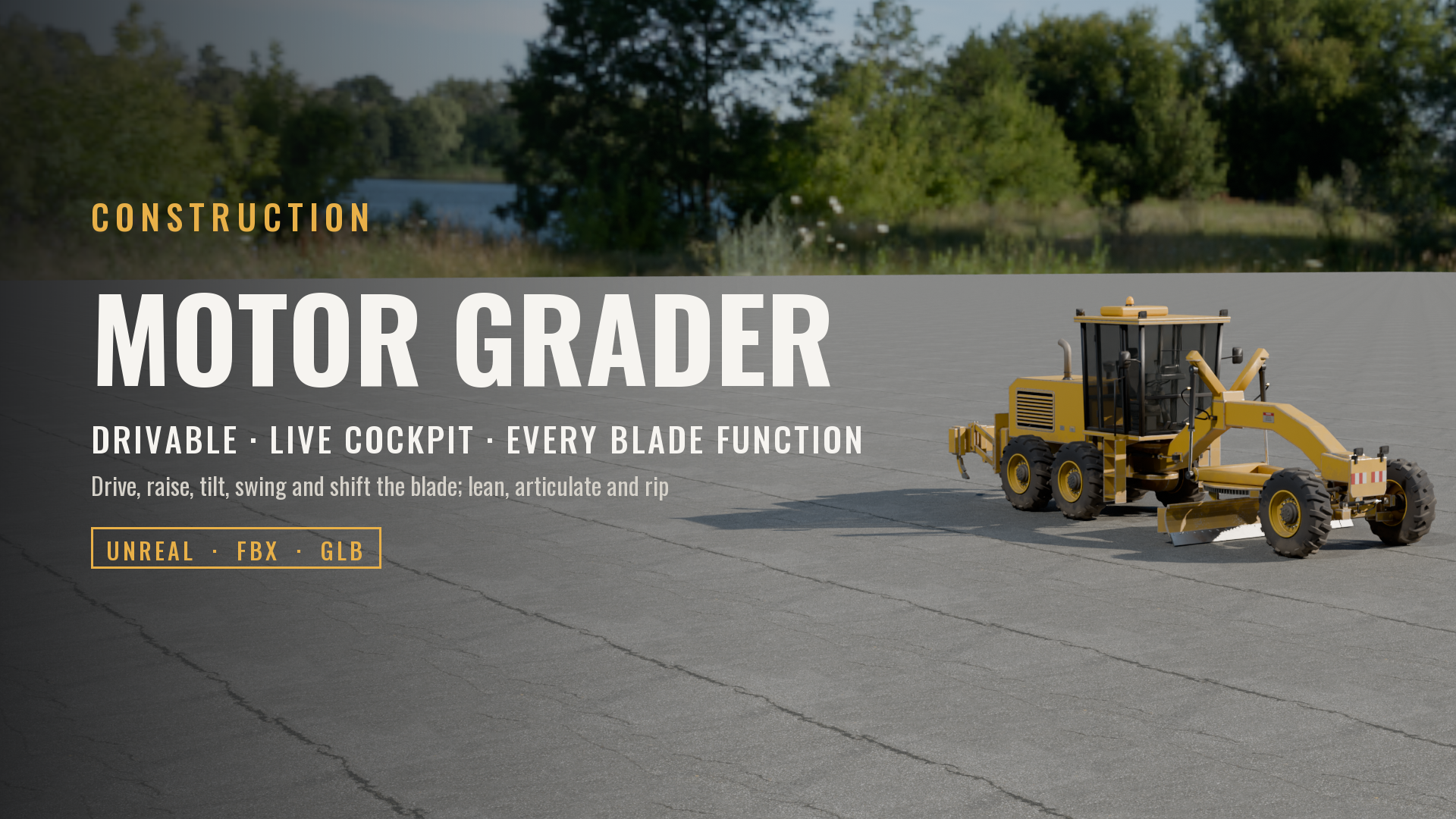
Motor Grader (Drivable, Live Cockpit, Rigged & Animated)
Made with our own production tools
Every Exaro asset is built, checked and packed for Unreal Engine with the same tools we sell: Exaro Model in Blender and Exaro for Unreal inside the editor, driven by the AI you already use.